GTM Strategy

GTM strategy that turns inquiry content into follow-up queues and answer-engine visibility

Hexastruct structures inquiry themes, buyer questions, social signals, FAQ content, case pages, follow-up scripts, and AI routing so global buyers understand why they should talk to you.

GTM strategy that turns inquiry content into follow-up queues and answer-engine visibility
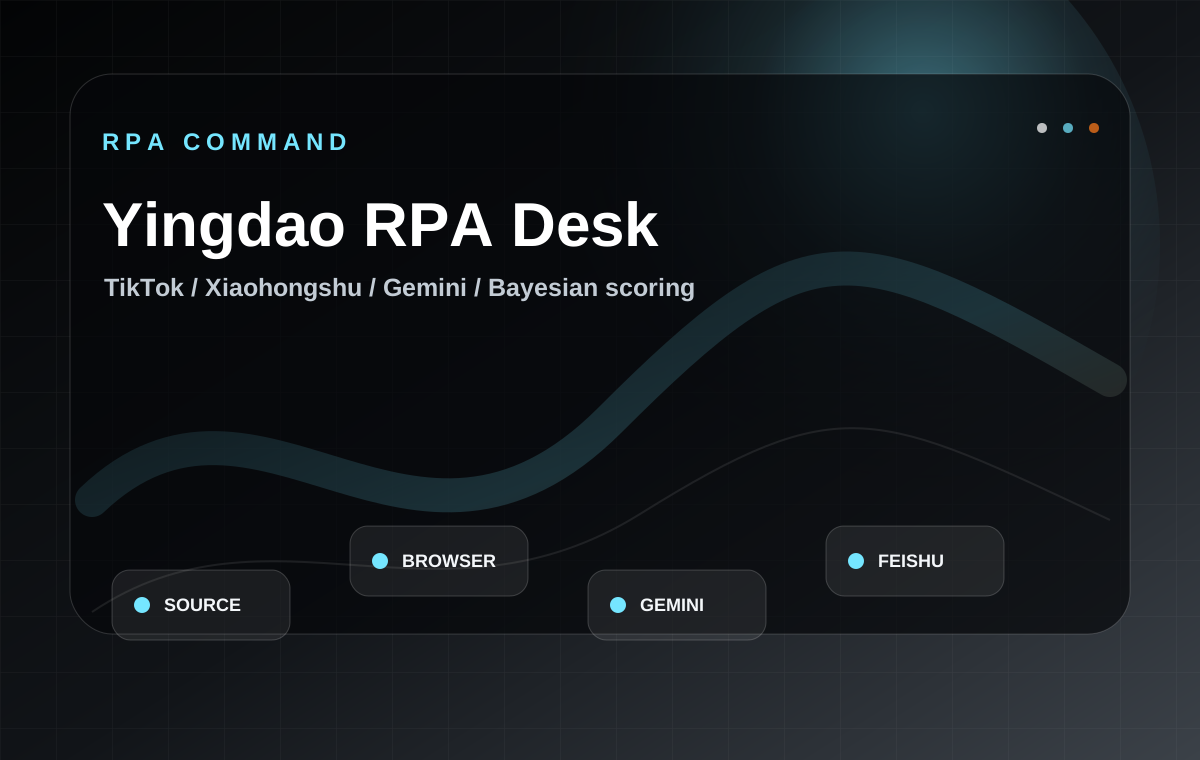
Yingdao RPA
repeatable browser tasks
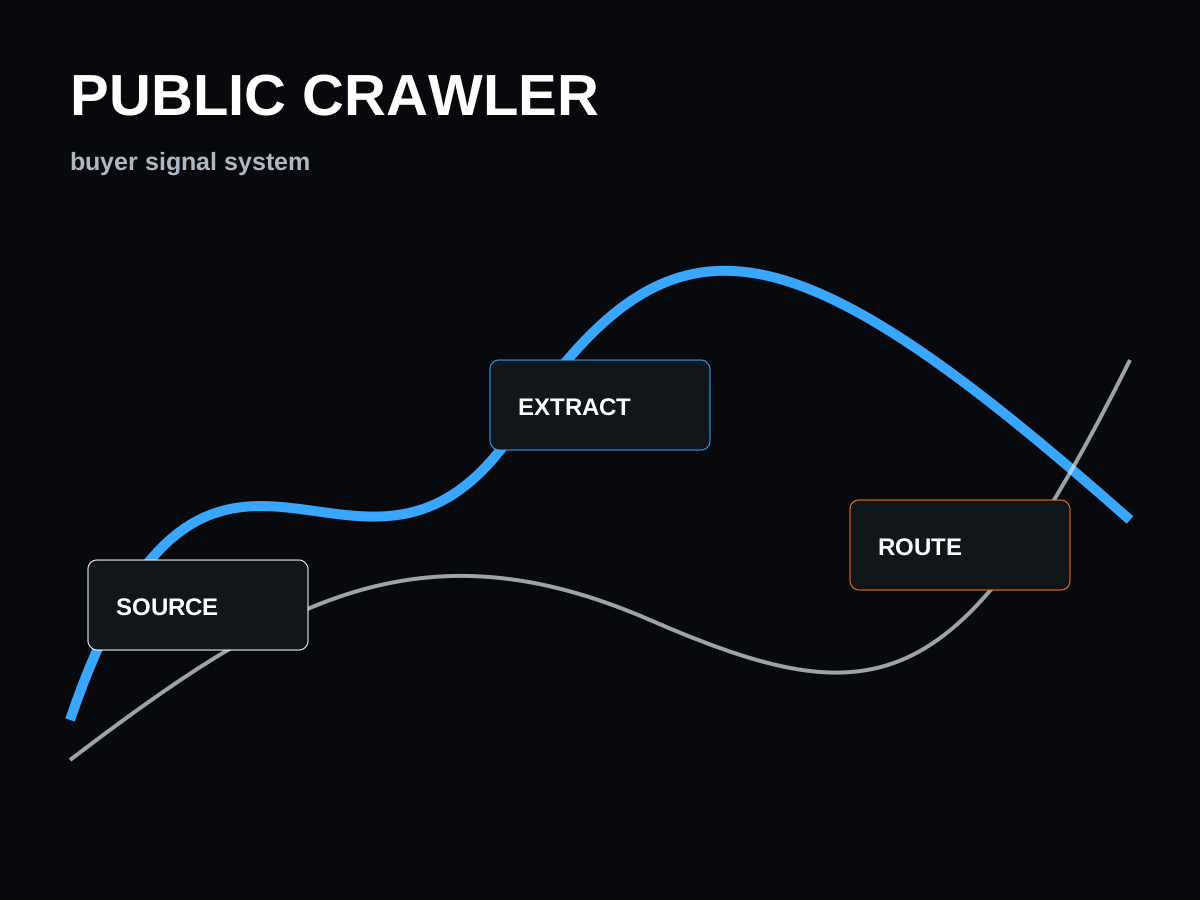
Public sources
TikTok / XHS / Douyin / web / RFQ
Crawler ops
Playwright / Scrapling / BitBrowser
AI extract
Gemini-style field structuring
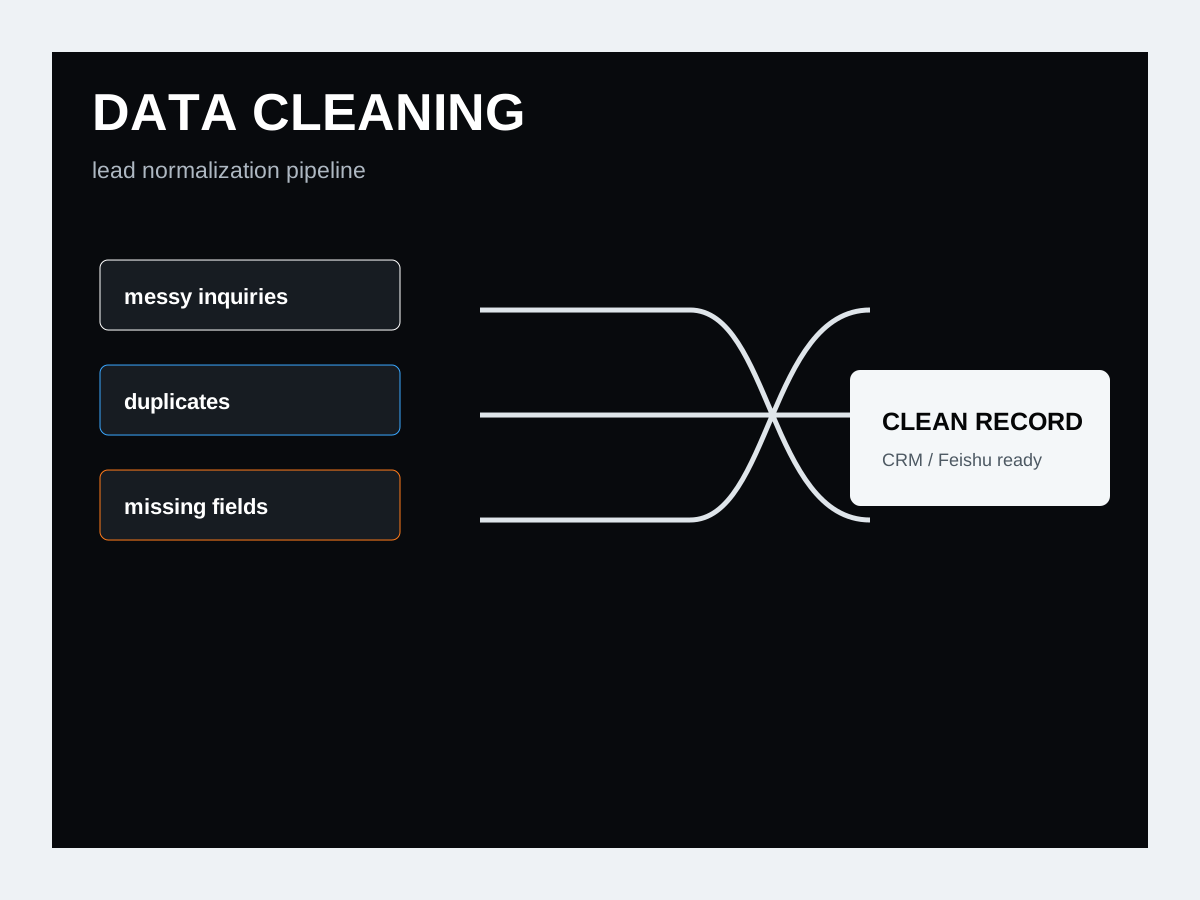
Clean data
normalize / dedupe / validate
Score
Bayesian + rule filters
Route
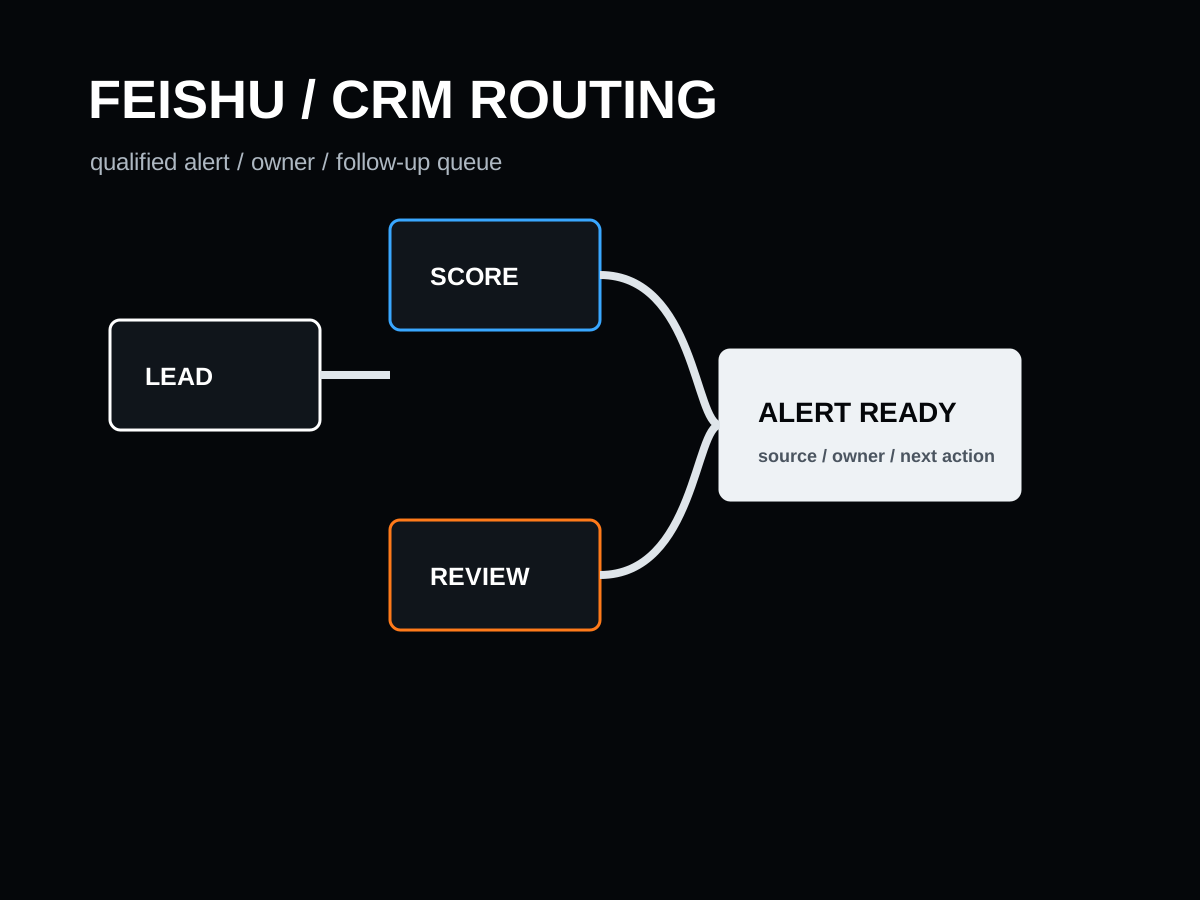
Feishu / Telegram / CRM

Workflow Window

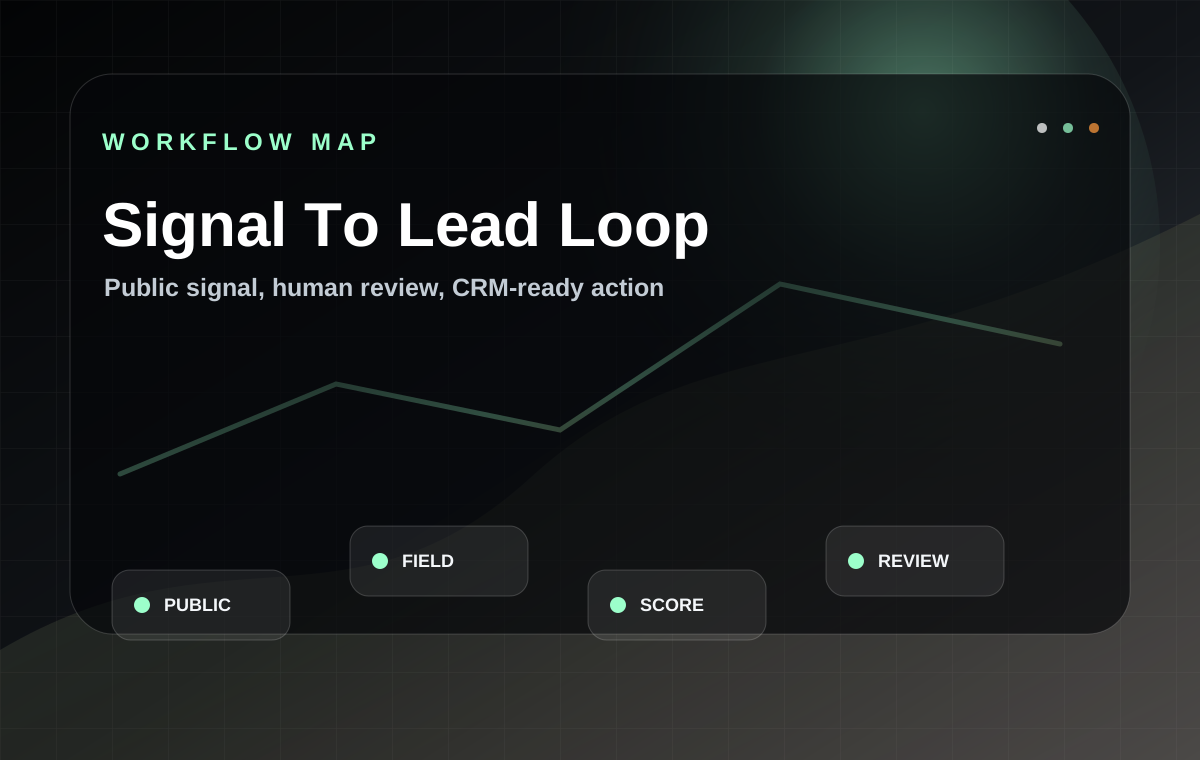
From public signal to cleaned lead record to reviewed sales action

A practical operating board for Yingdao RPA, Playwright/Scrapling crawler tasks, AI extraction, data cleaning, Bayesian-style scoring, human checkpoints, Feishu alerts, and CRM-ready routing.

From public signal to cleaned lead record to reviewed sales action

Why automation matters

Teach the buyer before asking for the project

Most B2B buyers do not only need a tool; they need to understand why scattered market signals, dirty inquiry data, and manual follow-up are limiting growth. This section turns automation into plain business language.

01 / Buyer education

Automation is not just saving clicks

For overseas B2B work, automation matters because product demand is scattered across websites, social platforms, RFQs, comments, exhibitions, and inboxes. A workflow turns repeated manual discovery into a visible operating system.

  • Find public buyer signals before competitors notice them
  • Reduce manual copying between browser, sheet, CRM, and chat tools
  • Keep every lead attached to source, category, score, owner, and next action
02 / Data quality

Raw leads are not business assets until they are cleaned

A phone number, email, TikTok account, RFQ note, or comment is only useful when it becomes a structured record. Data cleaning makes buyer information comparable, searchable, and safe for follow-up.

  • Normalize country, product category, company role, quantity, and urgency
  • Remove duplicates, spam, missing fields, and low-fit records
  • Create a single sales view that humans can trust
03 / Crawler discipline

A crawler should monitor signals, not create a messy scraping dump

Hexastruct treats crawler work as public-signal monitoring with source logs, platform rules, rate limits, error recovery, and human review. The goal is fewer but better opportunities.

  • Monitor public product pages, category keywords, posts, visible comments, and supplier listings
  • Record source URL, timestamp, extraction rule, and confidence score
  • Use human review before outreach or commercial decisions
04 / AI extraction

AI extraction turns messy text into fields your sales team can act on

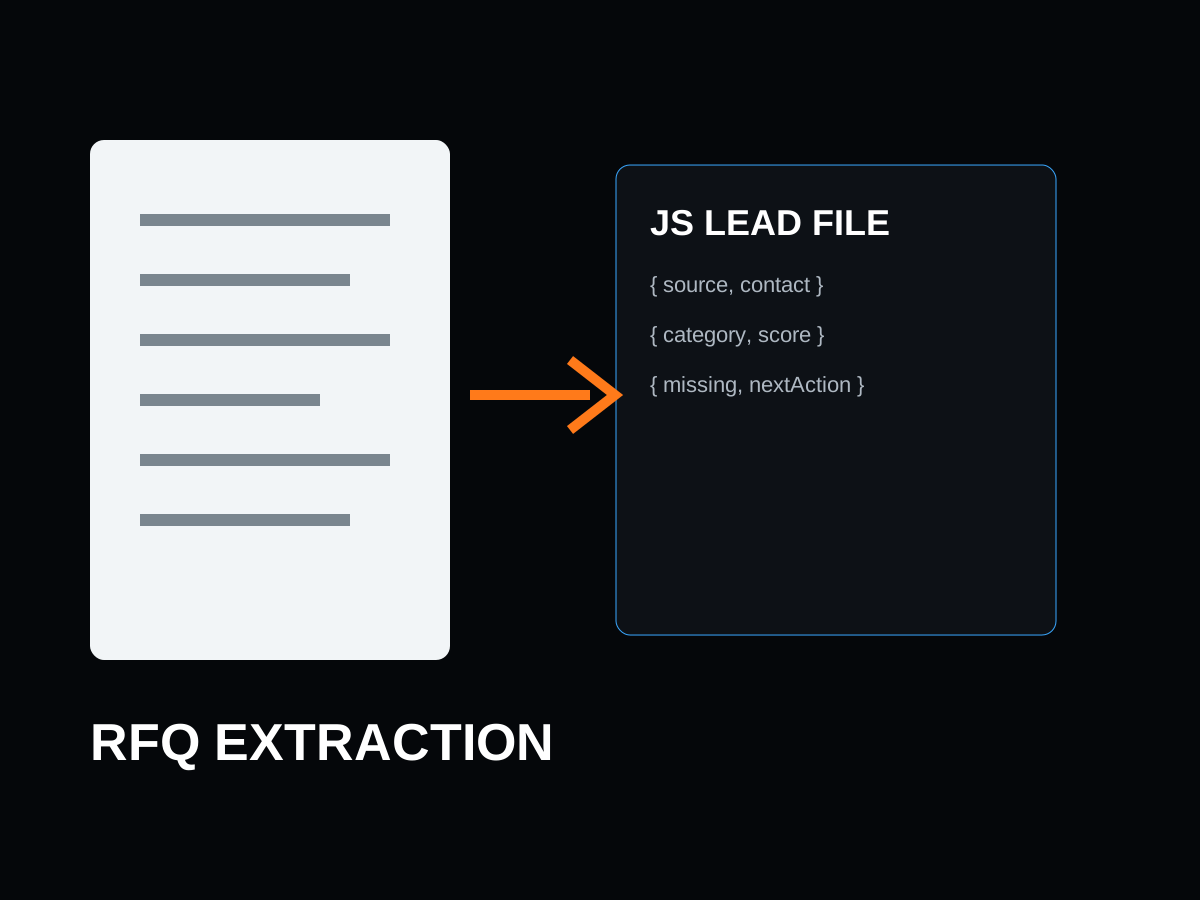
Gemini-style extraction or other AI prompts can convert unstructured page text, RFQ emails, comments, and files into product category, buyer role, pain point, region, urgency, and next action.

  • Extract structured fields from mixed Chinese and English content
  • Summarize why a lead may matter to the business
  • Mark missing fields so humans know what to ask next
05 / Scoring

Lead scoring teaches the team which opportunities deserve attention first

A B2B team cannot chase every signal. Rule-based and Bayesian-style scoring prioritize records by category fit, channel quality, recency, buyer language, product match, and negative signals.

  • Score category fit, target country, purchase role, urgency, and repeat-order potential
  • Lower the score for unclear identity, irrelevant category, or risky wording
  • Push only qualified records to Feishu, Telegram, or CRM
06 / Human review

The best automation keeps humans in the decision loop

For hardware, quotation, outreach, and supplier promises carry risk. Hexastruct automates collection, cleaning, summarizing, and routing, while keeping final judgment, quote language, and relationship building under human control.

  • Human checkpoint before outreach or quotation
  • Reviewable source trail for every qualified lead
  • Follow-up queue instead of blind mass messaging

Crawler operating system

Public-data crawling only becomes valuable when every signal has a source, field, score, and next action

Hexastruct does not position crawling as a raw data grab. The system is designed as source mapping, controlled collection, AI extraction, cleaning, scoring, alerting, and learning.

01 / Source map

Define public sources before writing any crawler

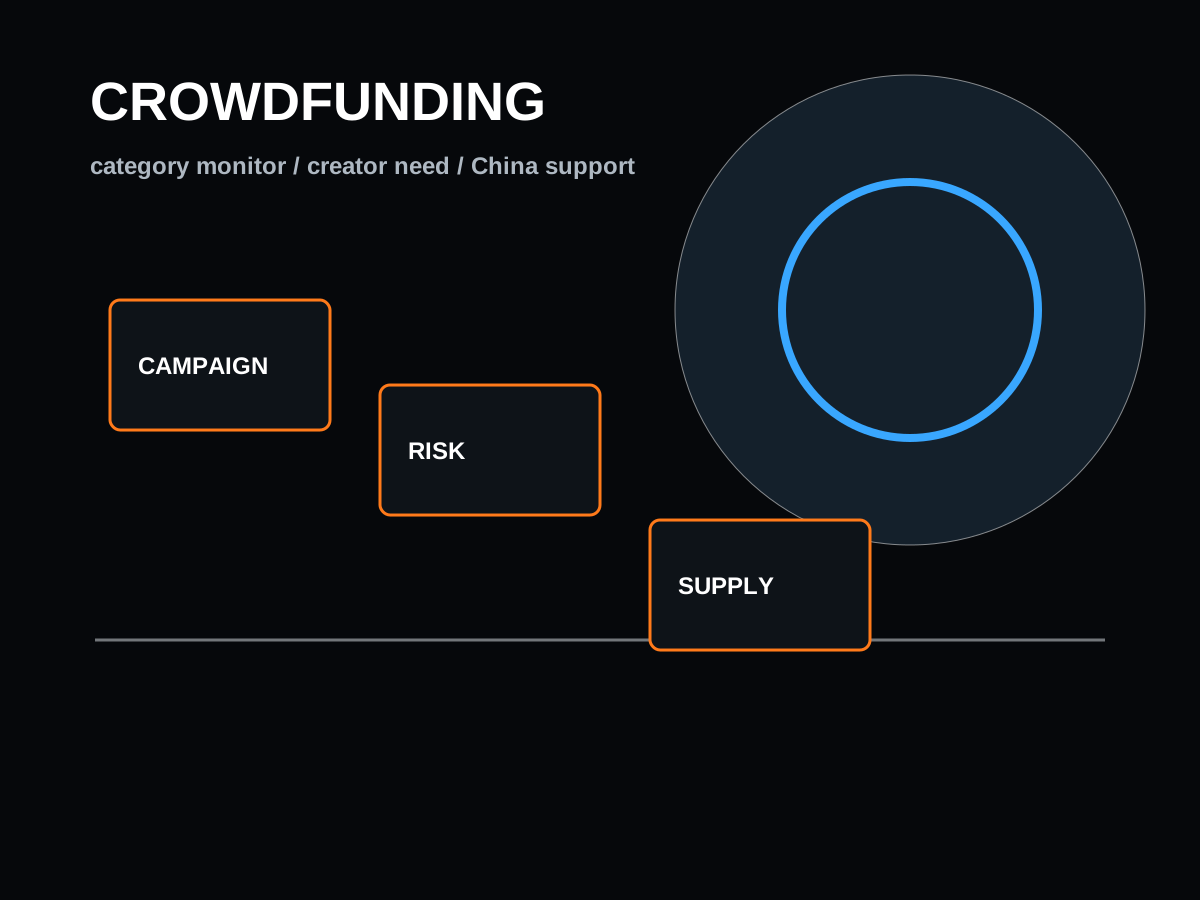
List the exact public pages, keywords, categories, social channels, supplier directories, crowdfunding pages, or search result types that matter to the business.

This prevents blind scraping and keeps the workflow tied to a buyer problem.
02 / Field design

Design the fields that turn a page into a lead record

Fields can include product category, company name, buyer role, region, platform, visible contact route, demand clue, pain point, MOQ clue, urgency, and source URL.

Good fields make data cleaning possible later.
03 / Collection control

Collect politely with limits, logs, and retry rules

Use Playwright, Scrapling, Yingdao RPA, or browser queues with clear schedules, source logs, delay logic, error capture, and platform-rule awareness.

A stable workflow is more valuable than a large unstable scrape.
04 / AI extraction

Extract buyer meaning from messy pages and comments

AI prompts classify product, audience, pain point, stage, objection, and next action from raw text. The extraction result is stored beside the original source.

This bridges public content and practical sales language.
05 / Cleaning

Normalize, deduplicate, and mark missing fields

Clean company names, country names, emails, phone formats, platform handles, product tags, lead status, and duplicate records before scoring.

Without cleaning, sales teams waste time on repeated or misleading records.
06 / Scoring

Score the lead before it interrupts the team

Rules and Bayesian-style scoring can rank fit, urgency, buyer language, source quality, negative signals, and confidence.

Only qualified signals should create alerts.
07 / Route

Push the clean record into Feishu, Telegram, CRM, or sheet

A high-fit record becomes a concise alert with source link, summary, score, missing fields, owner, suggested follow-up, and next reminder.

The workflow becomes action, not just a report.
08 / Learn

Feed repeated questions back into SEO and GEO pages

Repeated buyer questions, product names, objections, and platform phrases become FAQ pages, answer-hub entries, case pages, and sales scripts.

Automation improves the website, not only the sales inbox.

Data cleaning engine

Clean data is the bridge between AI automation and real sales work

If the record cannot be compared, scored, searched, routed, or reviewed, it is not yet a business asset. Hexastruct makes lead data usable.

Messy input

Mixed phone formats, WhatsApp numbers, country codes, and missing regions

Clean output

One phone field, normalized country code, region tag, WhatsApp availability, and missing-field flag

Sales can contact faster and segment by market.
Messy input

Duplicate leads from website form, TikTok, LinkedIn, email, and manual sheets

Clean output

One merged lead record with source history, first-seen date, last action, and owner

The team stops repeating follow-up and sees the full relationship trail.
Messy input

Unclear product names such as charger, beauty device, robot, PCB board, accessory

Clean output

Controlled product taxonomy with category, subcategory, application, and supply-chain route

RFQ, SEO, supplier matching, and quote preparation become consistent.
Messy input

Long RFQ emails and attachments with requirements hidden in paragraphs

Clean output

Structured fields for quantity, target price, certification, material, deadline, files, and open questions

Engineers and sales can review the same brief instead of re-reading the whole inbox.
Messy input

Social comments with slang, complaints, praise, and unrelated chatter

Clean output

Pain-point clusters, usage scenarios, negative objections, product feature clues, and topic frequency

Product planning and content pages use real customer language.
Messy input

Supplier catalogs with inconsistent MOQ, materials, dimensions, price bands, and images

Clean output

Comparable supplier table with normalized specs, risk notes, capability tags, and update dates

Buyers get a stronger shortlist and faster sample-stage decisions.
Messy input

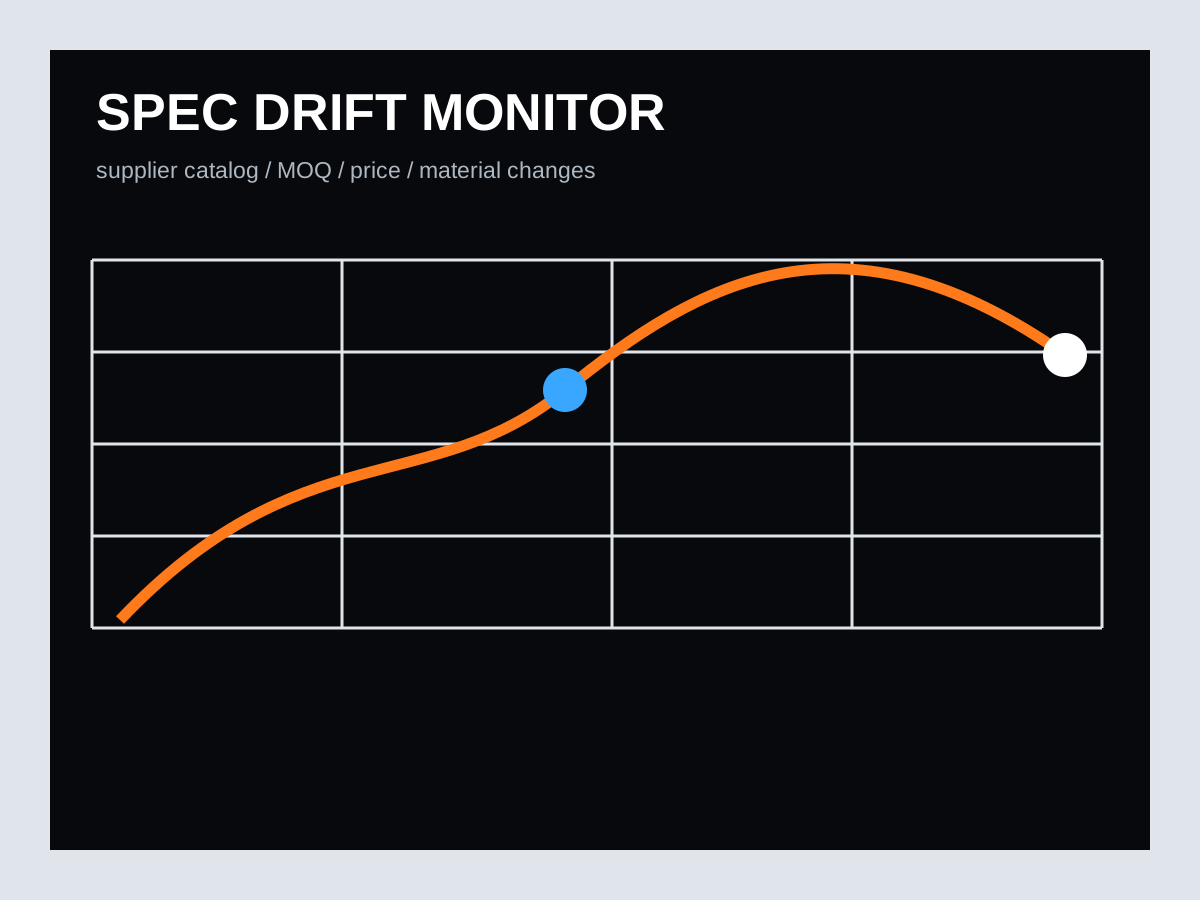
Public product pages where key claims change over time

Clean output

Versioned watch record with changed fields, screenshot or source note, and alert reason

The team notices competitor, price, feature, and market shifts earlier.
Messy input

Low-quality leads, spam, unrelated job seekers, and vague partnership messages

Clean output

Negative-signal tags, blocked patterns, low-score queue, and human override path

Alerts stay clean and the team trusts the workflow.

Concept training

Automation vocabulary buyers can understand before they brief Hexastruct

Public signalA visible clue from public pages, posts, comments, RFQs, directories, or product launches that may reveal buyer demand.

Stored with source URL, timestamp, channel, extracted fields, and confidence score.

Crawler automationA scheduled system that monitors public information and captures useful changes or records.

Built with tools such as Python, Playwright, Scrapling, Yingdao RPA, browser queues, and source logs.

Data cleaningThe process of turning messy lead text into consistent fields a team can search, compare, score, and route.

Includes normalization, deduplication, validation, missing-field flags, taxonomy mapping, and quality scoring.

AI extractionUsing an AI model to read messy content and output structured fields.

Useful for RFQs, product pages, comments, supplier notes, emails, and research documents.

Lead scoringA way to decide which opportunities deserve human attention first.

Combines category fit, target market, buyer role, urgency, source reliability, negative signals, and confidence.

Human review checkpointA required review step before outreach, quotation, or supplier commitment.

Keeps automation useful without letting weak or risky output reach buyers.

Feishu alertA concise message pushed to the team when a qualified lead or workflow exception appears.

Can include source, summary, score, missing fields, recommended next action, and owner.

GEO feedback loopTurning repeated buyer questions discovered by workflows into pages that AI search engines can quote.

The same cleaned questions feed FAQ schema, answer hub pages, llms.txt, service pages, and sales scripts.

01 / Inquiry language

Turn messy buyer notes into offer language

Repeated questions, objections, RFQ phrases, comments, and public posts become structured pages, sales scripts, and FAQ answers.

  • Buyer role language
  • Pain-point extraction
  • Objection clusters
  • Offer-package wording
02 / Follow-up queue

Make every qualified inquiry easier to continue

Lead records are routed into Feishu, Telegram, sheets, or CRM-ready queues with source context, urgency, next action, and missing fields.

  • Scored lead summaries
  • Human review checkpoint
  • CRM handoff
  • Response reminders
03 / GEO content

Help AI search engines understand Hexastruct

The workflow turns buyer questions into answerable entities for Google, ChatGPT, Gemini, Claude, Perplexity, and procurement researchers.

  • FAQ schema
  • Case-style pages
  • llms.txt topics
  • Answer hub expansion

AI Automation Case Library

Crawler, RPA, data cleaning, and AI lead workflow benchmark cases

These playbooks show how public signals, messy inquiry files, social comments, RFQ emails, and supplier data can become reviewable B2B sales records instead of disconnected screenshots and spreadsheets.

Google-ready FAQ

Questions buyers ask before they inquire

Why does a B2B hardware company need crawler automation?

Because overseas demand appears across many public sources before it becomes a formal RFQ. Crawler automation monitors those public signals, logs the source, extracts useful fields, and sends only qualified opportunities to human review.

What is data cleaning in a B2B lead-generation workflow?

Data cleaning means normalizing contact fields, product categories, countries, RFQ requirements, duplicate records, missing fields, and spam signals so the sales team can compare leads and respond consistently.

Can Hexastruct connect Yingdao RPA, Playwright, Scrapling, n8n, AI extraction, and Feishu?

Yes. Hexastruct can design the operating logic across public-source monitoring, browser task queues, AI extraction, scoring, JS lead files, Feishu robot alerts, Telegram messages, CRM-ready records, and human review.

Is the crawler workflow only about scraping more data?

No. The useful layer is public-signal monitoring, source logging, field extraction, cleaning, scoring, deduplication, review, and routing. Fewer trustworthy leads are better than a large messy scrape.

How does automation improve SEO and GEO?

Automation reveals repeated buyer questions, product phrases, objections, and category language. Hexastruct turns those signals into crawlable pages, FAQ schema, answer-hub entries, case studies, and llms.txt so Google and AI models can understand the company.

为什么外贸工厂需要数据清洗?

因为询盘、社媒线索、邮件、表格和人工记录经常格式混乱、重复、缺字段。数据清洗可以把这些线索变成统一字段、可评分、可分配、可追踪的销售记录。

影刀 RPA 和爬虫自动化有什么区别?

影刀 RPA 更适合把重复浏览器动作、表格动作和平台操作流程化;爬虫自动化更偏向公开数据监控和字段提取。Hexastruct 会根据场景把二者和 AI 提取、评分、飞书提醒组合起来。